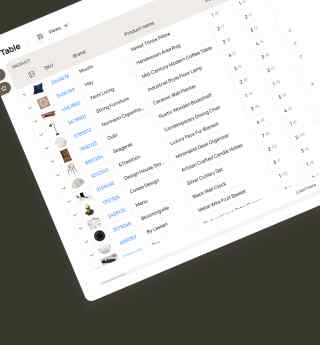
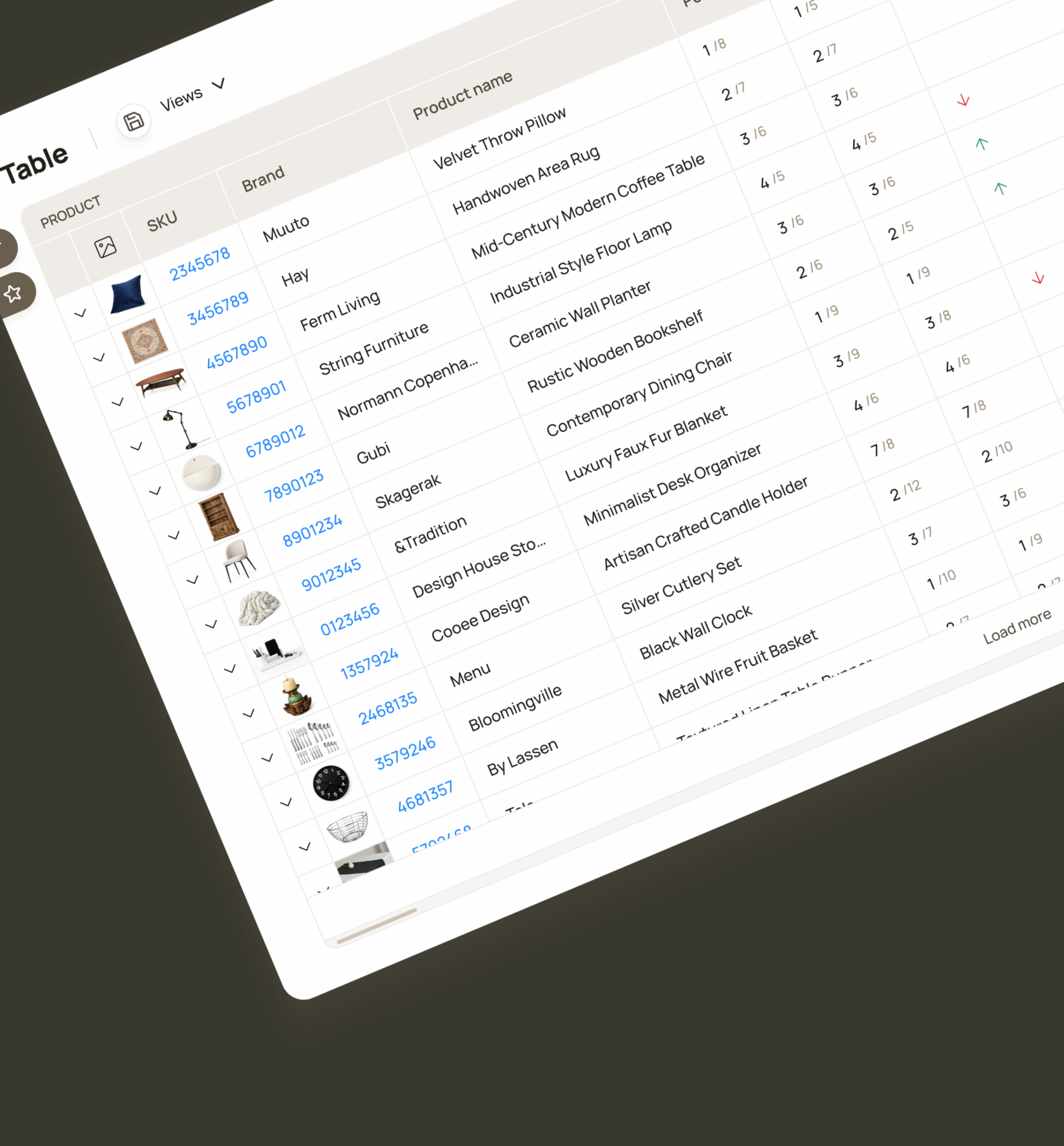
Filters allow users to generate reports for specific brands, categories or products based on selected attributes.
B2B / SaaS / Web App
Priceindx
Scheduled Reports is a tool for specialists at retail companies whose everyday workflows depend on the data provided by daily reports.
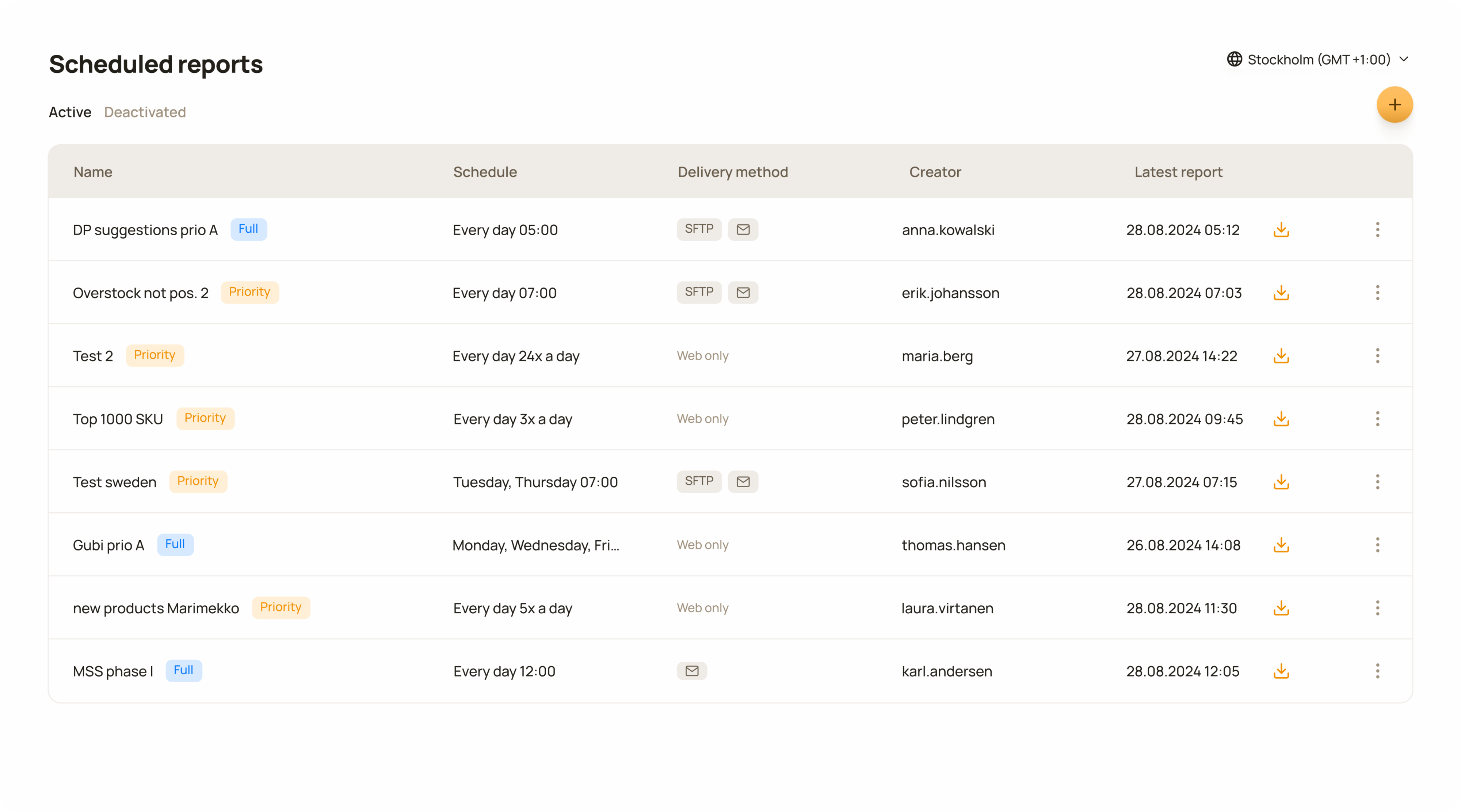
Each row represents an automated report workflow that is configured once and then runs daily according to the defined schedule.
This project release had a strong impact on both the business and the customer. Customers now had full access to their reporting and this meant the customer support team handled way fewer reporting related tickets than before, leading to faster updates for customers.
Faster onboarding- no report configuration for new accounts
Customer Success feedback
500+
Automated reporting workflows created
Positive customer response
Customer Success feedback
Significant support ticket deflection in report management
Customer Support feedback
Customers: 80+. Metrics have been anonymised, rounded and presented without a time frame to protect company confidentiality.
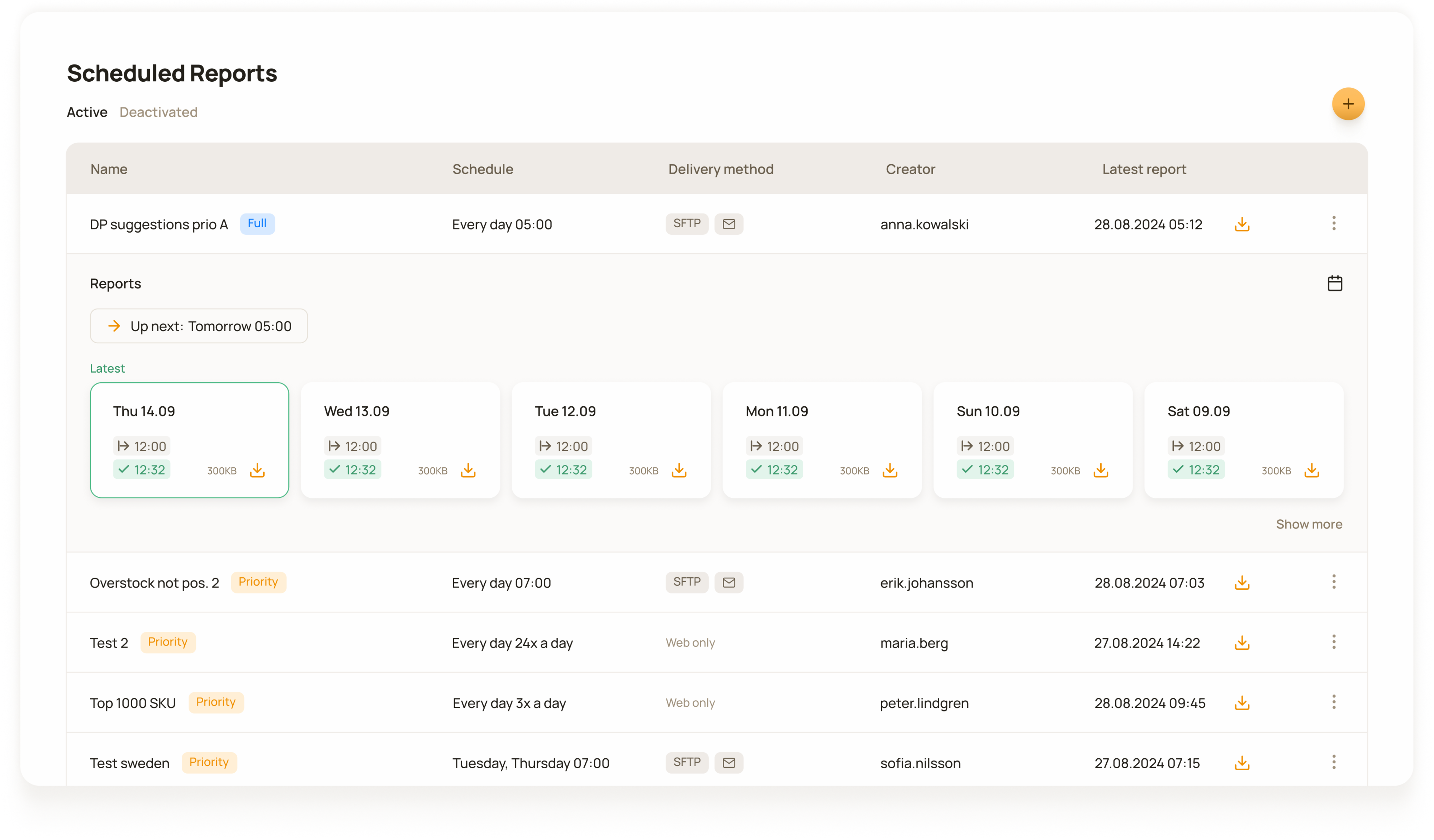
Clicking on a row opens a detailed view showing all previous reports and the schedule for the next report run.
Reports were the primary way of sharing data with customers, but fixed templates and varying customer needs meant heavy reliance on customer support for manual customisation, creating a clear need for a more scalable solution. From the customer point of view it meant lack of autonomy and control over their reporting.
The legacy reporting system was outdated and inflexible and depended entirely on customer support. With no customer-facing interface for report management, every change had to be handled manually by the support team.
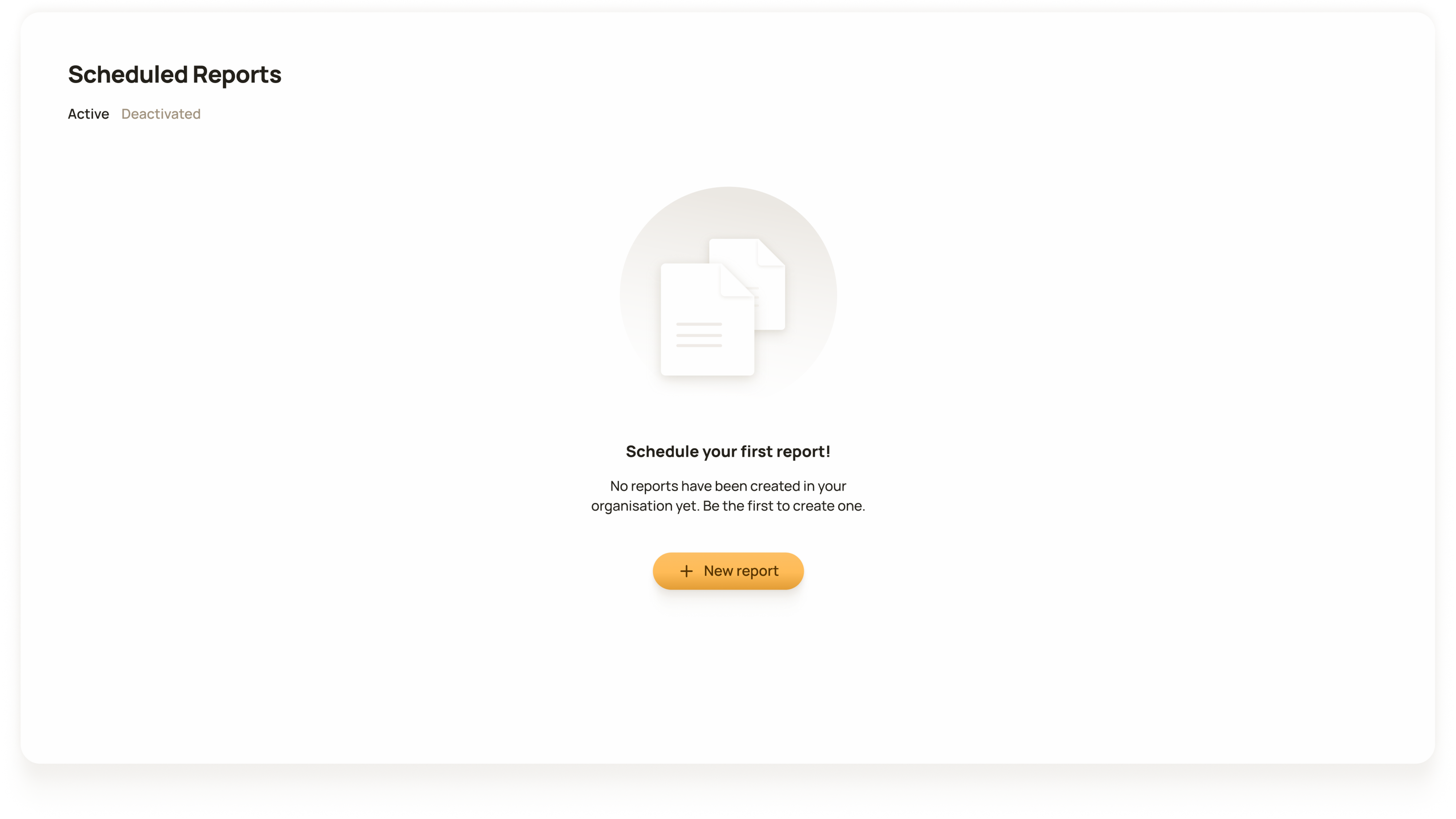
Empty state shown when no reports are scheduled in the user’s organisation.
Since the problem had existed for a long time the scope here was relatively clear. The focus was on documenting all the necessary details of what the tool needed to enable, which allowed me to move into conceptualisation quite quickly.
The core functionality enabled customers to create automated reporting workflows through a user interface that gave them control over every aspect of their reports.
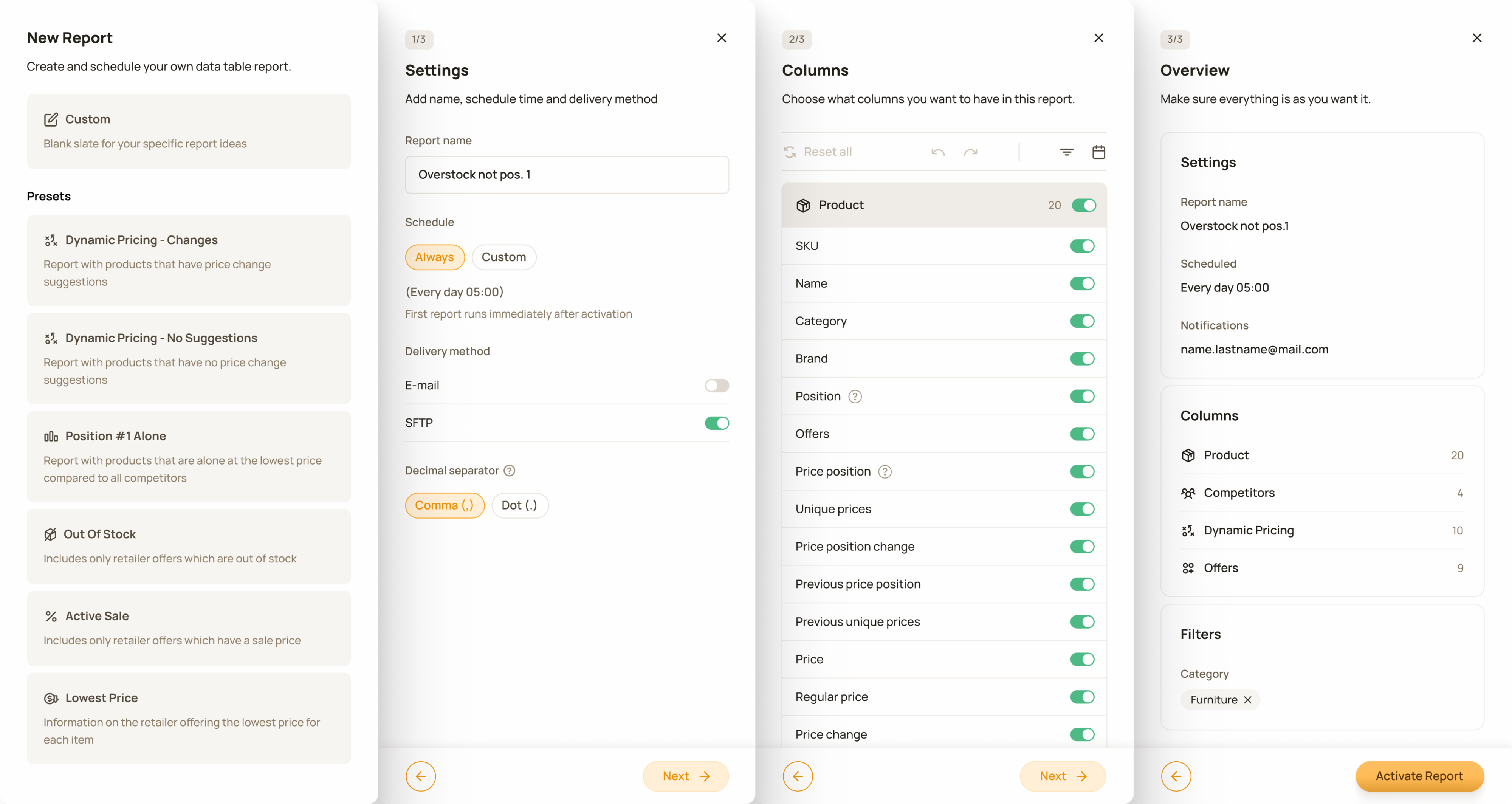
4-step new report creation flow. Using already familiar design patterns made report creation easier and faster.
To make the report creation process easier to manage, I used a progressive disclosure approach. The interface revealed information gradually, allowing users to focus on the relevant decisions at each stage.
Filters allow users to generate reports for specific brands, categories or products based on selected attributes.
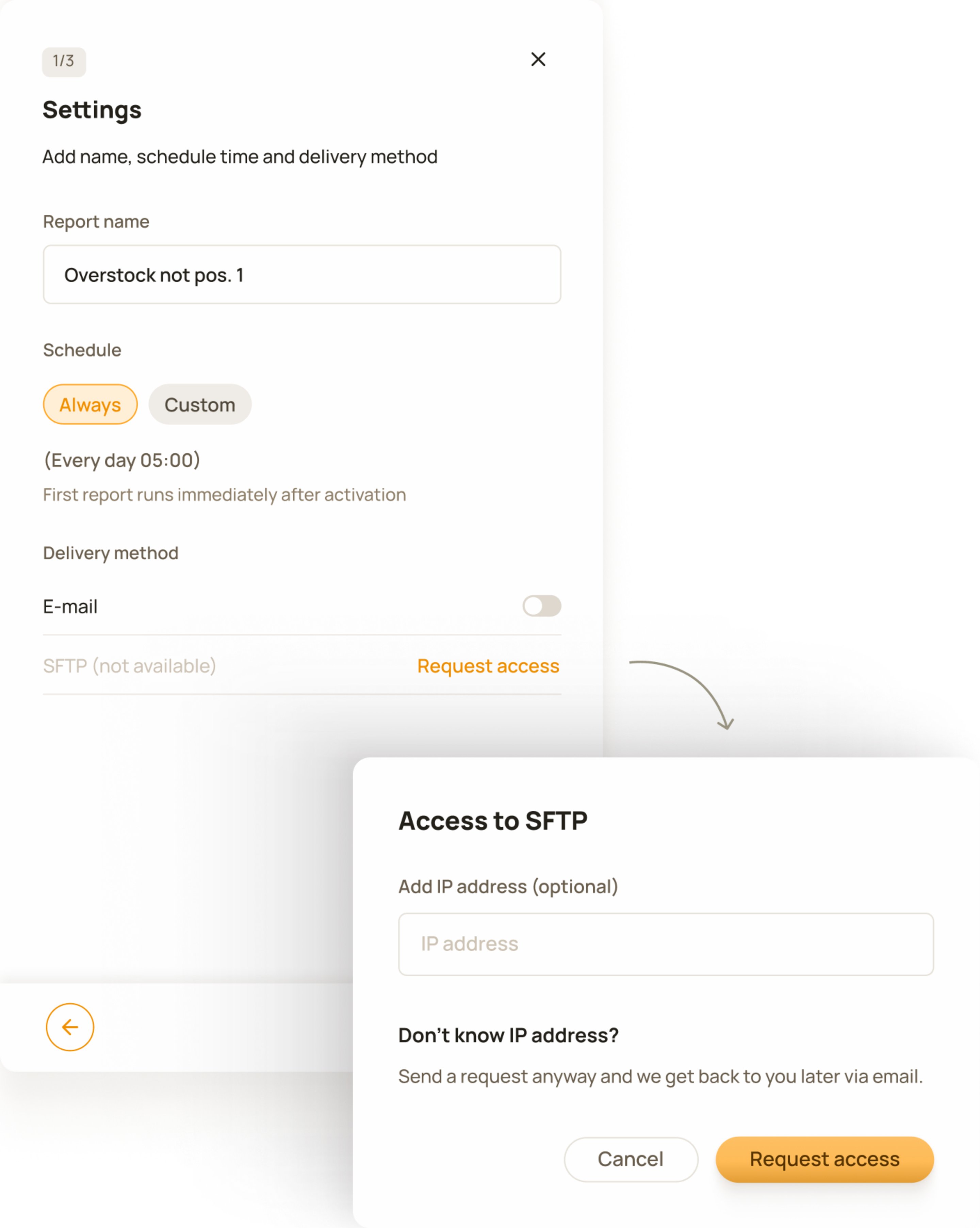
A scenario in settings under delivery method where SFTP is not available and customers can request access or use other means of delivery.
Wherever possible, I reused design patterns that users already knew from other parts of the product. In the “columns” step I used the same UI pattern as in the table “column visibility” control, as well as data categorisation logic and filters.
Since the feature extended existing workflows and reused familiar patterns, the risk was reduced and validation was done post-launch through customer feedback and support insights, allowing improvements to be made based on real usage.
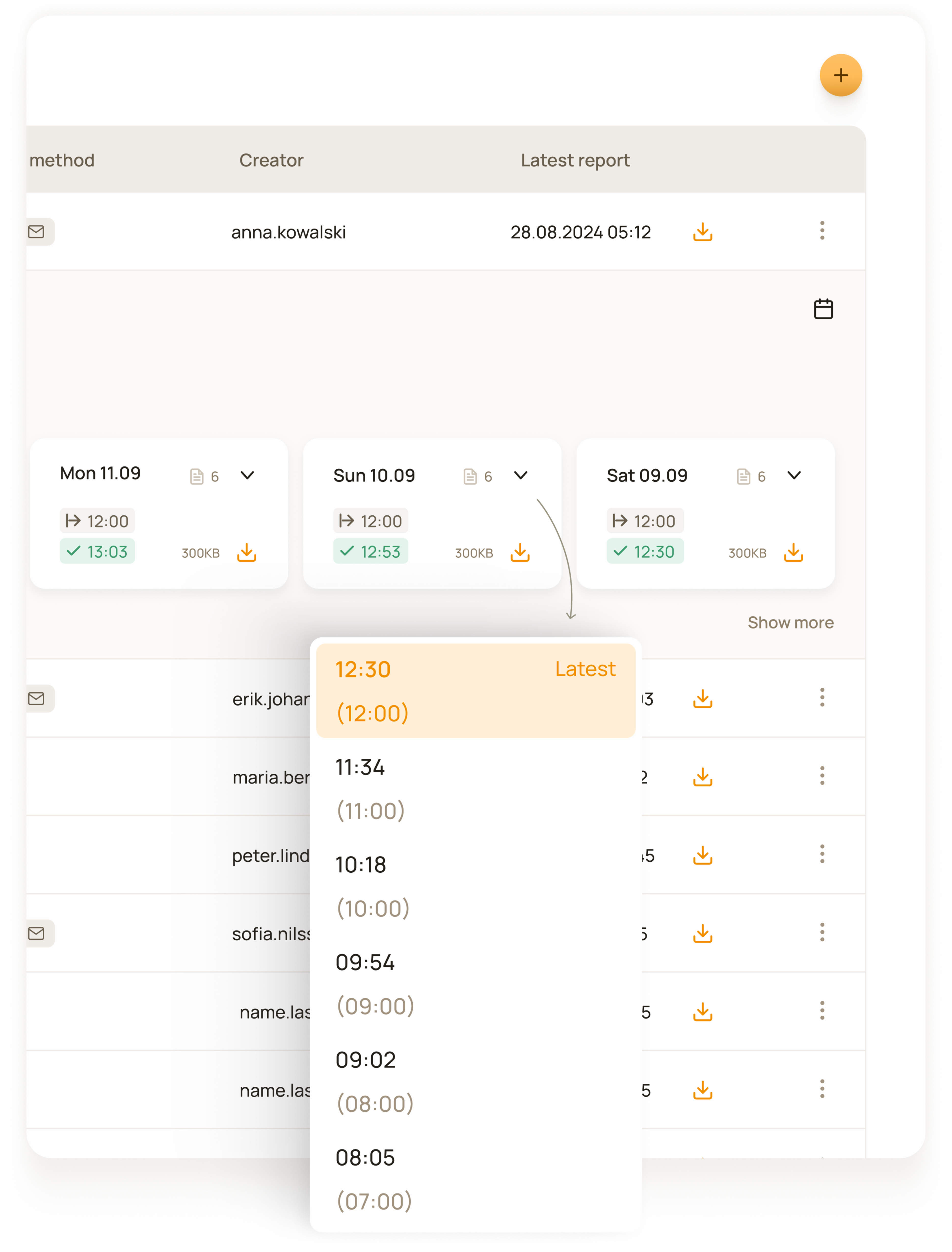
Report that runs multiple times per day. Users can see when each report started and finished, while every report card displays the latest run.
A short time after launch we made a few iterations based on customer feedback, such as decimal separator options for numbers and pin functionality in reports list view.
Product Owner / Two Engineers / One Designer / Chief Strategy Officer
I led the design from research through post-launch iterations. I made research, defined the user experience and visual design patterns and logics.
I defined the tool’s structure, report-creation workflow, management experience, configuration logic, delivery states, and edge cases.
I incorporated users feedback after launch and designed subsequent improvements.